

E-commerce & Business Management

Effortless E-commerce & Business Management at Your Fingertips

Powerful tools for user authentication, product management, orders, payments, and analytics—all in one platform.

Empower Your Business with Smart Features

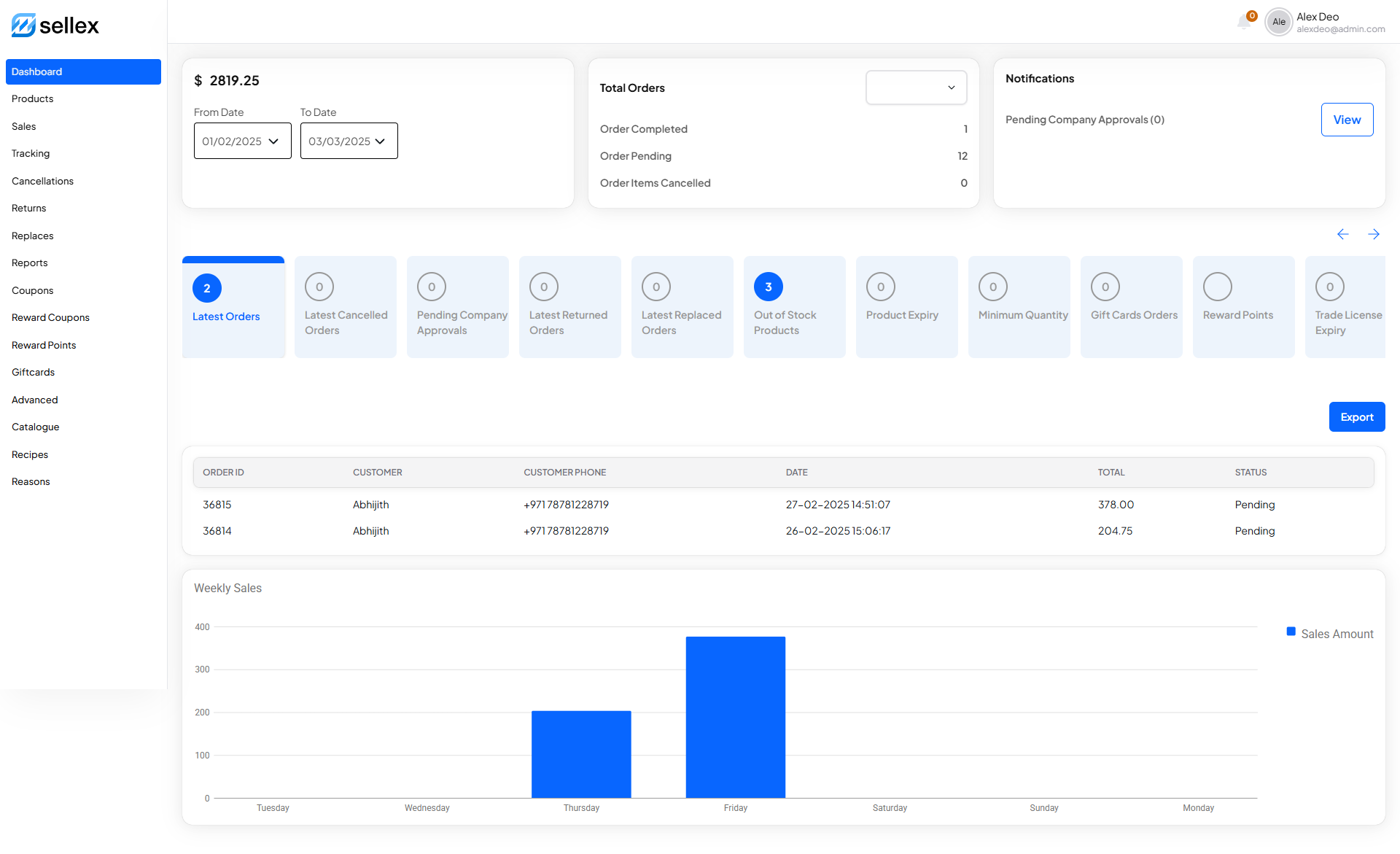
Our platform simplifies eCommerce management with advanced tools for user management, payments, inventory, and more.

User & Address Management

Secure authentication, profile updates, and multi-address handling.

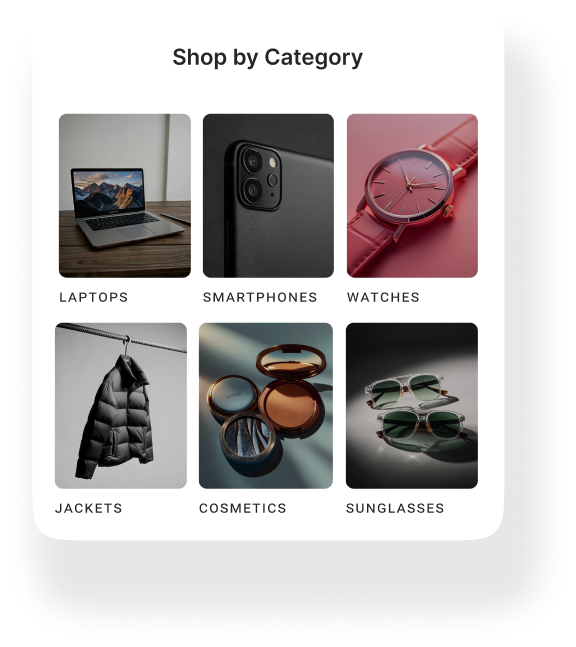
Product & Category Handling

Advanced filtering, SEO-friendly categories, and custom pricing.

Bulk Orders & Discounts

Automated bulk ordering and special pricing for large purchases.

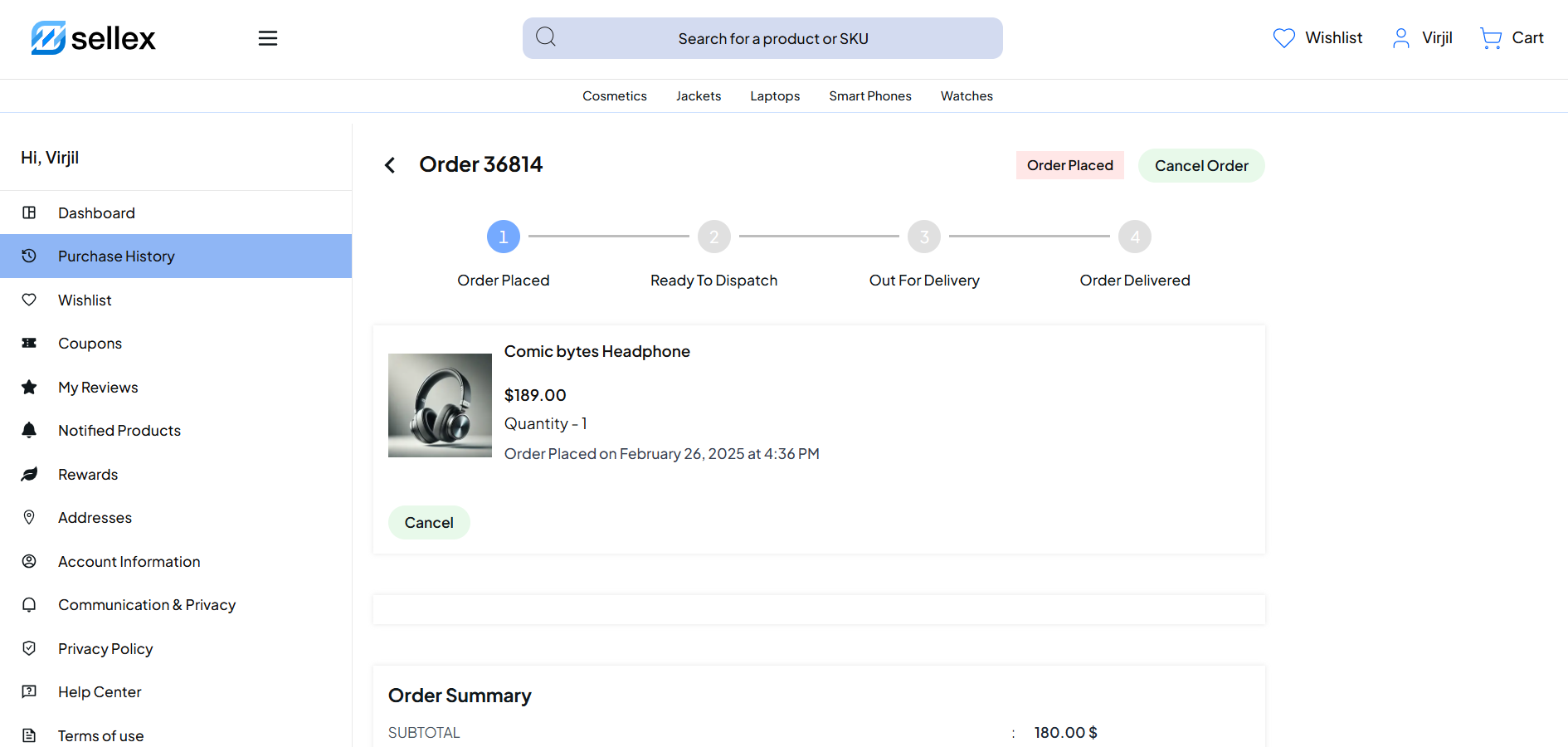
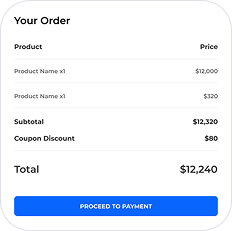
Order & Payment Management

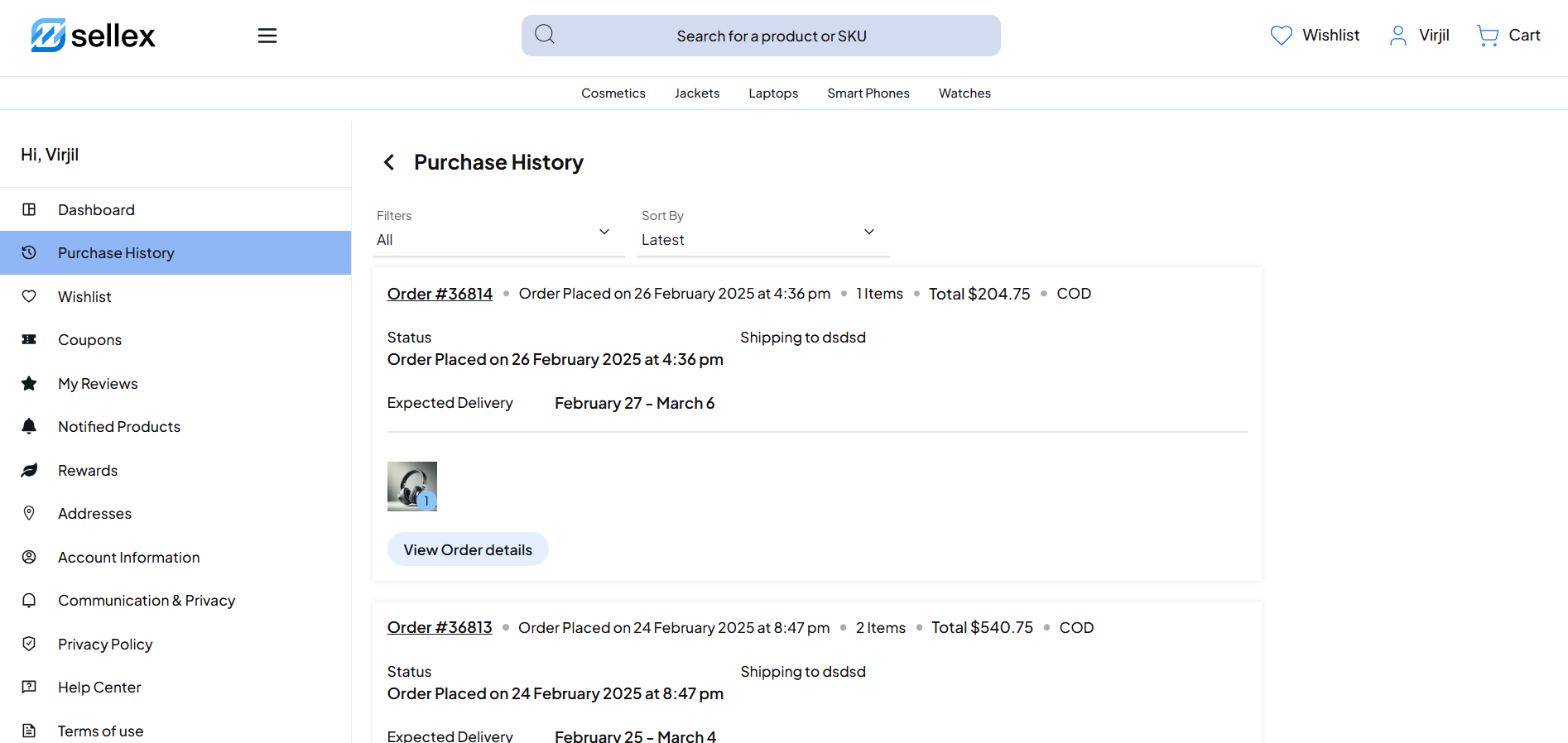
End-to-end order tracking, invoices, and secure payments.

Inventory & Stock Control

Real-time stock updates, reorder alerts, and inventory tracking.

Rewards & Discounts​

Custom coupon codes, customer rewards, and targeted promotions.​

E-Commerce Essentials: Powering Your Online Store

Unlock the full potential of your online business with these must-have e-commerce features

  • Seamless Shopping Experience

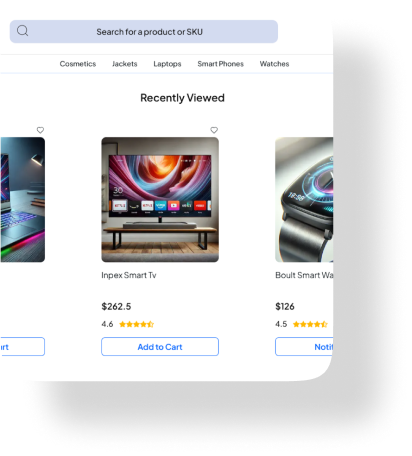
An intuitive and visually appealing interface ensures customers can easily navigate, search, and purchase products on any device.

  • Smart Order Tracking

Keep customers informed with real-time order updates while streamlining shipping, returns, and inventory management.

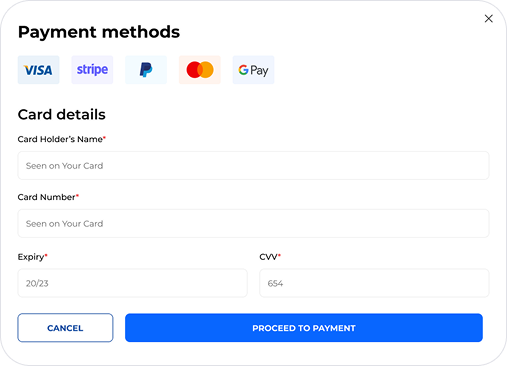
  • Rock-Solid Payment Security

Encrypted payment gateways protect sensitive financial information while supporting various payment methods for a hassle-free checkout.

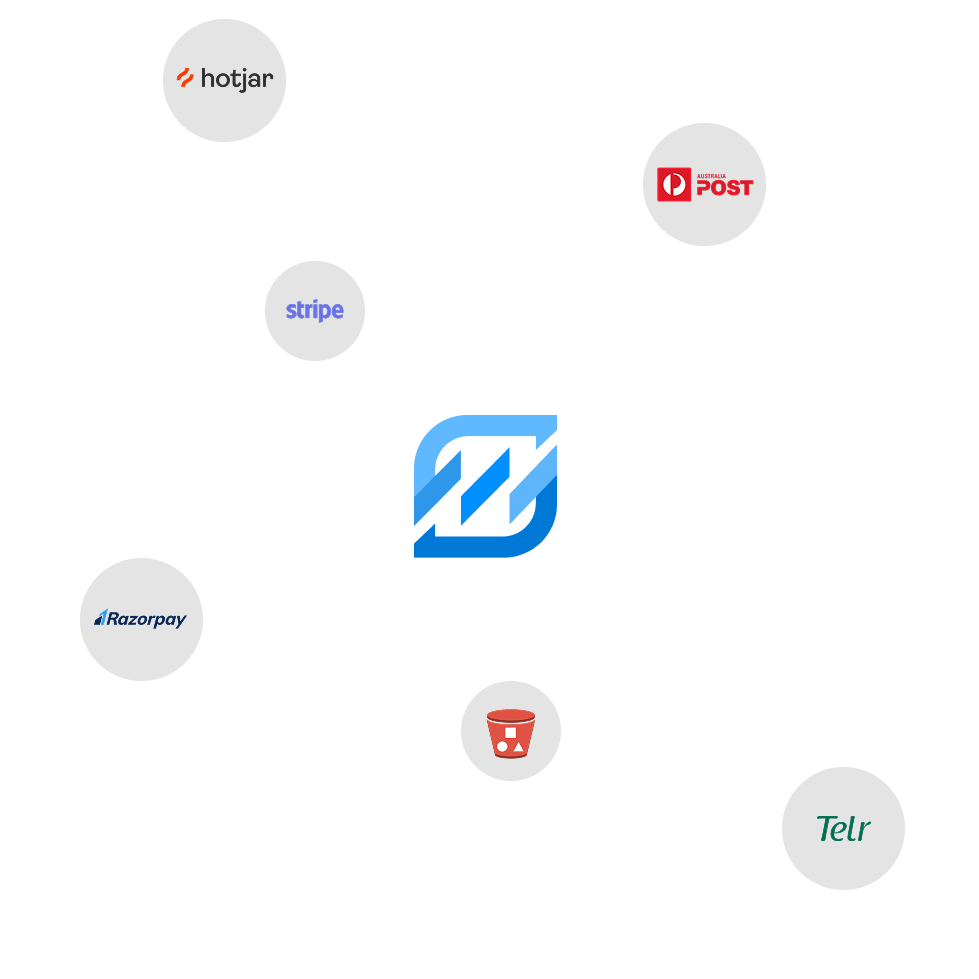
Explore Integrations

Seamlessly connect and enhance your workflow with our powerful integration solutions.

What they said about us

See what our customers have to say about their experience with our e-commerce solutions—real success stories, honest feedback, and proven results!

Frequently Asked Questions

Explore answers to commonly asked questions in Outgrid’s comprehensive FAQ section.
How do I create a ticket in Sellex?

To create a ticket, simply log in to your Sellex account, navigate to the support module, and click on the ‘New Ticket’ button. Provide the necessary details, and our support team will promptly address your inquiry.